
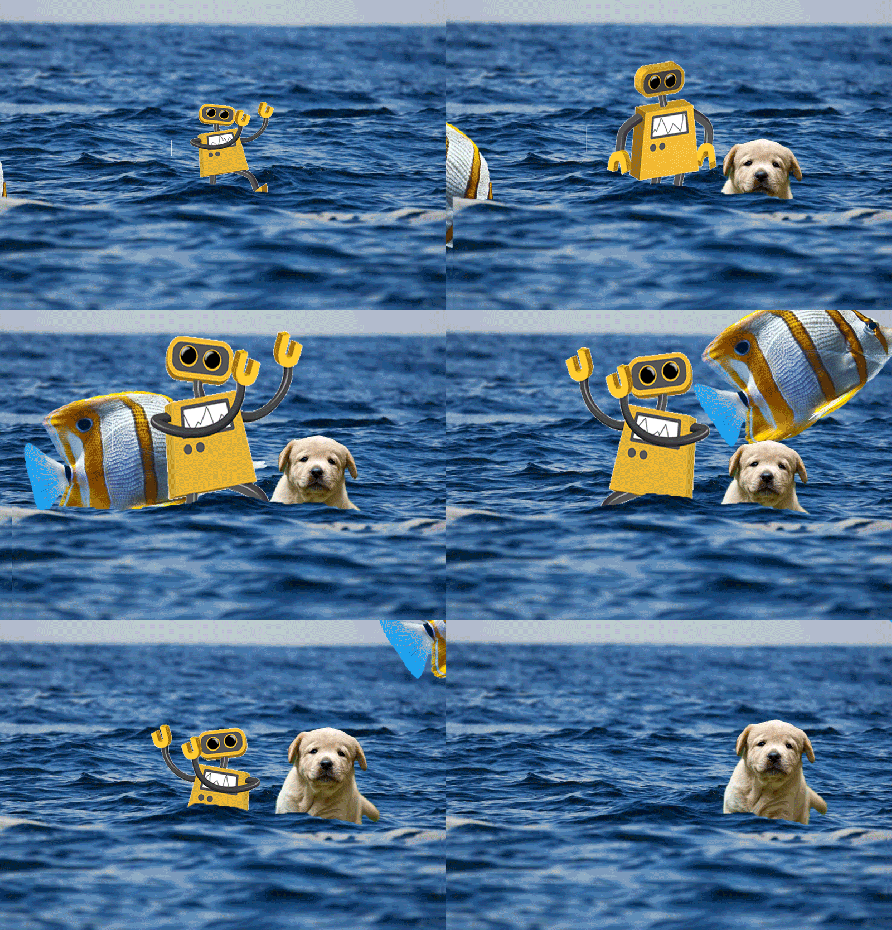
To import an existing GIF into your Timeline:
– Find and download a GIF from Internet with a transparent background (or make your own)
– Open/drag your GIF into Photoshop
– Open timeline window (you will probably start with frame animation). Make all additions to timing between frames now.
– Convert the frame timeline to a video timeline. You should see multiple layers within the timeline window to match the layer window
– Select all your layers
– Right-click and click “Convert to Smart Object.” If done correctly, your layers should all have become one object.
– You are now free to manipulate the GIF in your Timeline and Transform, etc. You can drag, resize, mask, and use other effects.
You can also create a GIF animation from a series of photos or from a video clip.

 Foundations of Art, Design, + Digital Culture