

Author: Comberg
Class Action
This is the group I work with and have mentioned in class.
Class Action is a graphic design collective that creates visual messages to advocate social change. The group’s goal is to influence the way public issues are understood and to motivate audiences to participate in civic dialogue. The designers of Class Action initiated, wrote, designed and published these projects collaboratively.


Video Tutorial and Exercise
You will be documenting your Project 4 intervention by producing a short video. You can use a good quality phone camera, DSLR or other source to record. This tutorial is an introduction to editing with Adobe Premiere. Please view – we’ll have an exercise in editing during Tuesday’s class.
Additional Adobe Premiere tutorials are here and below.
In-class for Tuesday, December 3: working with your partners, spend 10 minutes planning, 15 minutes shooting and an hour to edit, and produce a short video (with sound) on the theme: ‘tiny monuments.’
Tiny Monuments
For this in-class exercise – you will take a sheet of paper and create a folded miniature monument to something of your choice. Using this tiny monument you and your group will create a short film, outside the classroom in an ‘appropriate’ environment.
10 Minutes: Come up with a tiny monument and build it
15 Minutes: Film it in its environment
60 Minutes: Edit Film and upload to Course Folder
10 Minutes: Screen Films at 3:45p


Typography

For those who may be interested in typography, here is a brief bibliography.
And a long list of links to typographic designers.

Gggrafik.de
Erichu.info
Lorenzklingebiel.com
12m3.com
Freellomme.com
Mainstudio.com
Common-name.com
Adelinemollard.ch
Aleksandrianiepsuj.com
Niessendevries.nl
Non-format.com
Onlab.ch
Paolopalma.com
Mrpataki.nl
De-war.de
Feixen.ch
Waltersantomauro.com
Ralphschrsivogel.com
Michielschuurman.com
Spin.co.uk
Jakubstraka.info
Studio-laucke-siebein.com
Toko.nu
Triboro.com
Vier5.de
Christopherwest.se
Hansjorgmayer.com
Weingartarhive.com
Anymadestudio.com
Atlasstudio.ch
B2302.de
Baldingervuhuu.com
Bureauclective.ch
Uebele.com
Rejanedalbello.com
Neildonnelly.net
Doublestandards.net
Drawswords.com
Alexdujet.net
Arthus.nl
Proj 3 Summary Page
To finish Project 3, submit color corrected, low res photos of your wearable from our runway show and design one or two tabloid low res PDF pages that show wearable, code, data and drawing code produced – like these and below – and post to the Course Folder titled * Project 3 summary page and photos.

Here are a few tutorials to help with editing wearable photos (raw and Photoshop) and a sample edit of a particular image with Curves and Quick Selection. If using a jpg image try editing with the Camera Raw Filter – Filters>Camera Raw.
Before and after editing with Curves and Quick Selection, below:


Yale Harvard Intervention
Climate change activists took to the field during halftime of the football game between Harvard and Yale.


Public Plant Typography

#HappyWall in Copenhagen

Portfolios
Portfolios of semester work are due before noon, Thursday, December 19.
Post to Course Folder>Portfolios
Create a series of landscape, letter (11×8.5″) pages – 3-4 pages per project, 1″ border, documenting preliminary and final designs for each project. Save as a Smallest File Size PDF and title as name.portfolio.pdf. Do not print.
For projects 2 and 4, include storyboards, sketches, stills, and links to videos posted on YouTube, Vimeo, etc.
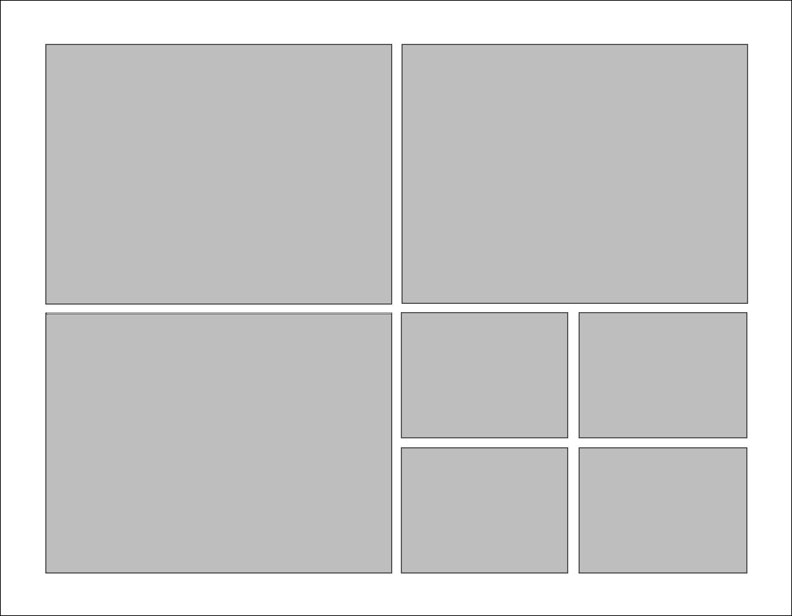
Structure each page in an ordered, ‘interesting’ manner (using a grid, like below) to make a cohesive 15-20 page record of your work. For the data project include a brief statement identifying your data. For the final project include a short statement explaining the work, still photos, and link to video.
Host Project 4 videos on YouTube or Vimeo and post link on blog, including a title, team members, and short explanation, like this.

Here are some sample portfolios from previous Foundations classes.
konhee-changportfolio
samsherman-portfolio
ricardohernandez_portfolio
Project 3 Summary Page
To complete project 3, compose a summary page (Landscape, Tabloid) with an image of your Processing code (or a sample if not the entire code), the visualization produced by the code, your data source, an example of what you did in Illustrator (if applicable), and a large photo of your wearable from our critique. Save as PDF to Course Folder and print one copy tabloid on the Phaser.

 Foundations of Art, Design, + Digital Culture