

Author: Comberg
Spring Courses

Here is the description of Design Practicum, a class I’m teaching next semester, and the list of Integrative Design Studios offered in the spring. Please see me if you have any questions.
Practicum Flyer 2020
Integrative Design Studios
Processing Food


Two designers

Project 2 Animations
Schedule
A preliminary schedule for Projects 3 and 4, subject to change…
Nov 7 Proj 3 studio
Nov 12 Reading discuss/wearable concepts/mockups/intro Proj 4
Nov 14 Proj 3 studio, Proj 4 groups meet, submit project 4 form
Nov 19 Proj 3 final – Photo documentation and summary page
Nov 21 Proj 4 studio
Nov 26 Proj 4 studio Proj 4 readings (discussion leaders: _____)
Nov 28 No class
Dec 3 Proj 4 studio/video tutorial – editing with Premiere
Dec 5 Last class
Dec 19 Final crit (screen videos), upload portfolios, party
Animation captions
Please write a caption for your animation, citing text source and any production details that will accompany your project on a class playlist.
Like this:
Kaitin Tarte
Inspired by J.D. Salinger’s “The Heart of a Broken Story”, a short story in which Salinger attempts to write a boy-meets-girl story but he cannot figure out how to get the boy to actually meet the girl.

Audio Files, Titles + Export Video Instructions
There are many ways to make or find audio for your animation. You can record with your phone or other recording device, download music and sound effects from the Internet and extract audio from videos using an MP3 converter.
I highly recommend that you use copyright free material to avoid having your work blocked once it is hosted on the web. The Free Music Archive is a great source.
Test your animation by exporting to video and preview (see below).
To insert audio in your timeline, click the music note icon next to “Add Track” and add your MP3 file. Click the icon to add “new audio track” too.
To export your video, go to “File” –> “Export” –> “Render Video…” with the following setting (title it FirstName_LastName_Sample.mp4):
Credit your animation with this or something similar:
Produced by ____
Foundations of Art Design and Digital Culture
Penn Fine Arts
2019
Design of credits and audio on theses project work well with animation:

For final submission (before October 29 screening) post your rendered video (MP4) to the Project 2 – final animations folder on the Course Folder.
Resources for working with audio:
UbuWeb Sound (spoken word audios)
Convert Youtube to MP3 (audio) files (might have some ads – make sure you close spam tabs or have ad block on)
Epidemic sound (for 99 cents per sound)
You can use Adobe Audition to edit audio then bring it into the Photoshop Timeline.
In Audition, highlight the section you want, right click and select Copy to New, then save that and import it into Photoshop.
Here is a tutorial on how to work with audio in Photoshop
Adding Sound to the Video Timeline
Import Existing GIF Into Your Timeline
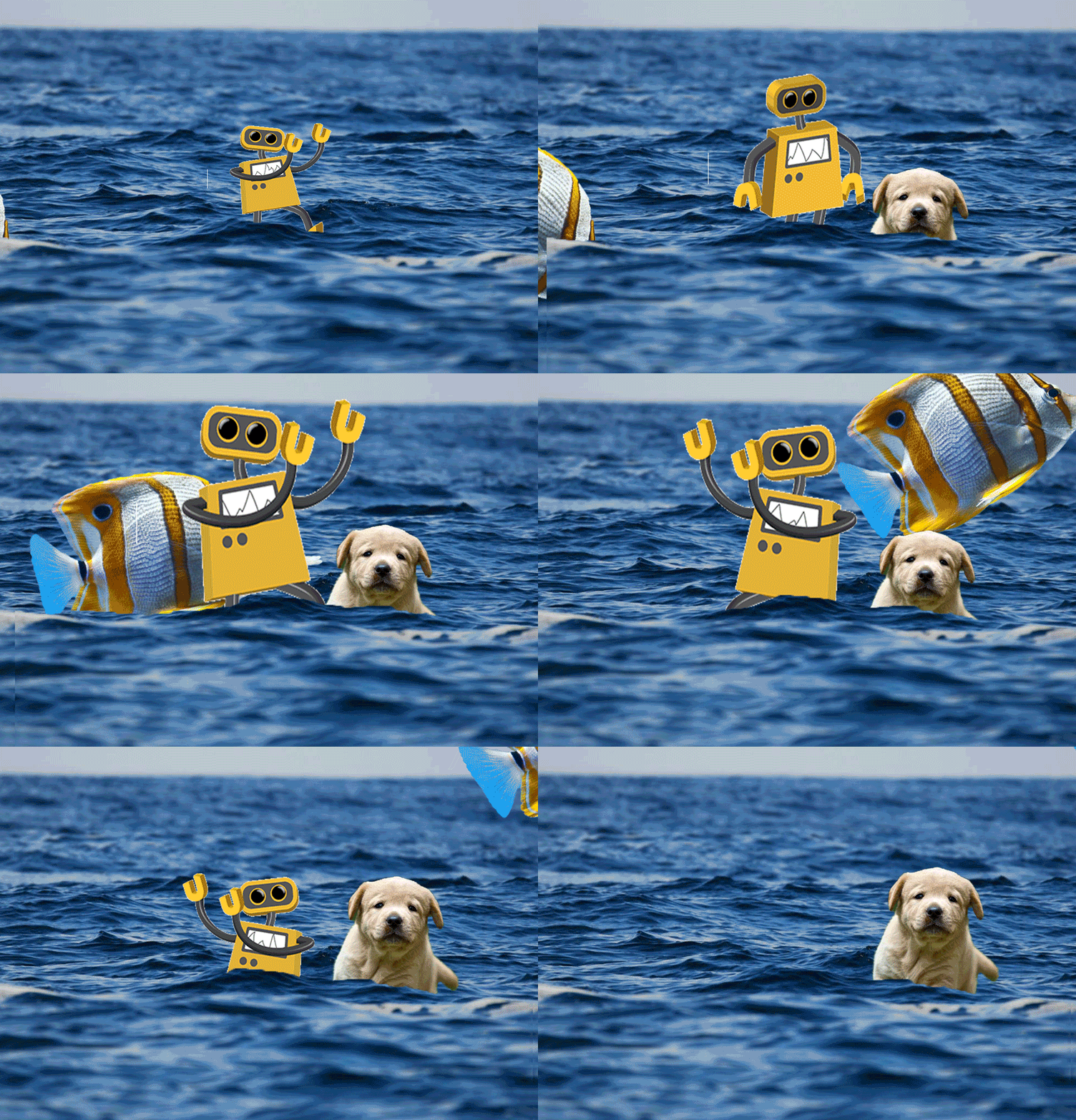
To import an existing GIF into your Timeline:
– Find and download a GIF from Internet with a transparent background (or make your own)
– Open/drag your GIF into Photoshop
– Open timeline window (you will probably start with frame animation). Make all additions to timing between frames now.
– Convert the frame timeline to a video timeline. You should see multiple layers within the timeline window to match the layer window
– Select all your layers
– Right-click and click “Convert to Smart Object.” If done correctly, your layers should all have become one object.
– You are now free to manipulate the GIF in your Timeline and Transform, etc. You can drag, resize, mask, and use other effects.
You can also create a GIF animation from a series of photos or from a video clip.


 Foundations of Art, Design, + Digital Culture